
Enterprise Indoor Wi-Fi Networks
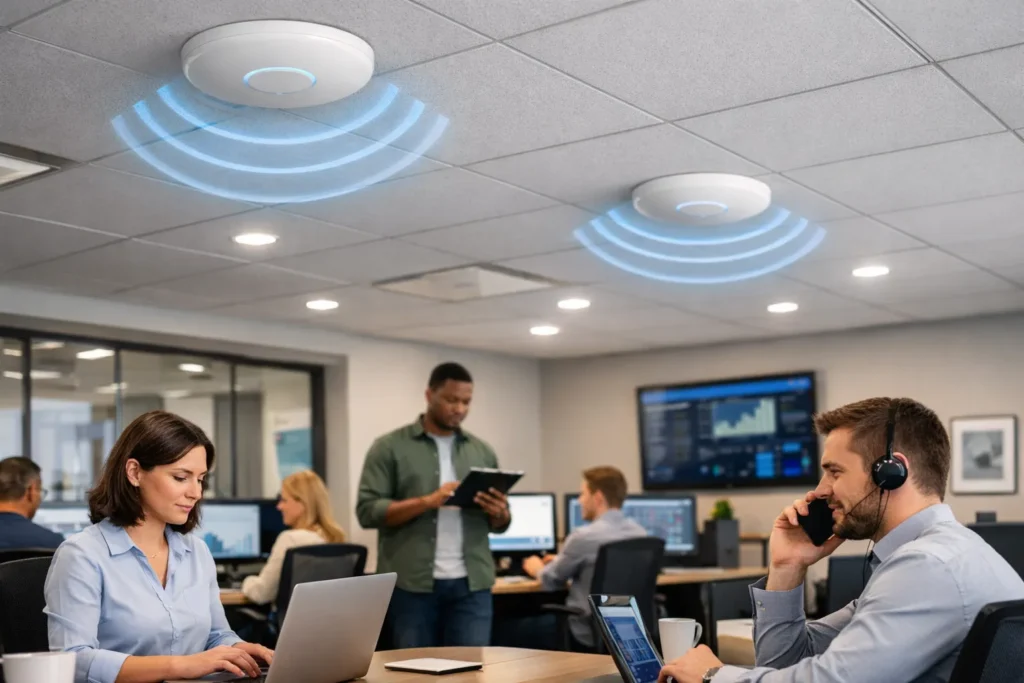
Enterprise Wi-Fi is designed for coverage, capacity and reliability across real buildings — not just a single router in the corner.
Why enterprise Wi-Fi pays off immediately
A well-designed Wi-Fi network improves productivity, protects guest experience, and creates a dependable foundation for connected systems.
Happier guests and customers
Reliable Wi-Fi reduces complaints and improves reviews.
Better staff productivity
Stable connectivity for cloud tools, calls, and operational apps.
Support for smart systems
Enables IoT, building systems and connected security to run properly.
Consistent coverage everywhere
No “it works in reception but not in the rooms” scenarios.
Secure separation of users
Keep guest traffic separate from business-critical systems.
Less downtime, less disruption
Fast fault resolution protects service continuity.
Hardware and features that strengthen reliability
These components and features turn “Wi-Fi” into a dependable indoor connectivity layer.
Wi-Fi built around your building and users
Comms-Spec delivers indoor Wi-Fi as a designed and supported service — not a box on the wall.
Full coverage
We design Wi-Fi around your layout and materials to eliminate dead zones and provide consistent signal across all key areas.
High user loads
We build for capacity so performance stays stable during peak periods, busy shifts, and high guest density.
Guest experience
We support guest Wi-Fi onboarding options and access control so visitors connect easily without compromising your internal network.
Secure separation
We segment networks for staff, guests and connected devices to reduce risk and protect operational systems.
Always-on support
We provide reliable technical support — because even a few minutes of downtime can trigger immediate complaints and disruption.
Trusted hardware
We deploy proven enterprise solutions using brands such as Ubiquiti, Peplink and Netgear.
Wi-Fi that stays dependable
Indoor Wi-Fi succeeds when it’s engineered for coverage, capacity, and rapid fault resolution — not “hope it reaches.”
Dead zones & weak signal
When Wi-Fi is installed without proper design, buildings create dead zones. Thick walls, long corridors, lift shafts and crowded spaces absorb or block signal, leaving rooms and key areas with poor connectivity.
A designed indoor Wi-Fi network solves this with site surveys, planned access point placement and tuned power/channel settings to deliver consistent coverage across the whole building.
How Comms-Spec adds value: We design coverage as a system — surveying the space, placing access points correctly, and commissioning the setup so the network performs everywhere it needs to, not just “near the router.”
Peak-time slowdowns
Wi-Fi often “works” until the building is busy. High user density, streaming, video calls and multiple devices per person can overwhelm poorly planned networks, causing slow speeds, buffering and dropped connections.
Enterprise Wi-Fi is built for capacity using high-density access point design, better traffic management, and a stable network backbone so performance stays consistent when demand spikes.
How Comms-Spec adds value: We size and configure the network to your real usage — balancing coverage and capacity, prioritising critical traffic, and ensuring the wired backbone can support the wireless experience.
Downtime and complaints
When Wi-Fi fails, the impact is immediate. Guests complain straight away, staff can’t access systems, and smart services stop working. Even short outages can damage trust and disrupt operations.
Proactive monitoring, sensible resilience options, and clear support processes reduce downtime and speed up recovery when issues occur.
How Comms-Spec adds value: We support Wi-Fi as an operational service — monitoring performance, responding quickly to faults, and keeping the network stable so problems are resolved before they become customer-facing incidents.
Guest vs business security
Mixing guest traffic with business systems creates risk. If guests share the same network as staff tools, POS systems, cameras or building controls, security and stability can be compromised.
Network segmentation separates guest, staff and device traffic, protecting critical services while still delivering a smooth guest experience.
How Comms-Spec adds value: We design secure separation into the architecture — creating clear access policies and network segmentation so guests get great Wi-Fi without exposing your operational systems.

Wi-Fi that supports the whole experience
In hospitality and visitor environments, Wi-Fi is part of the service. When it’s reliable, guests stay entertained and satisfied. When it drops, complaints start immediately. Comms-Spec designs Wi-Fi to protect experience, reputation and operational flow — not just to “tick a box.”
Built on trusted enterprise hardware
We deliver enterprise indoor Wi-Fi using proven platforms from brands such as Ubiquiti, Peplink and Netgear — selected to match your building type, user density and support expectations, so the network is dependable, manageable and ready to scale.
Related Solutions
Enterprise Wi-Fi is designed for coverage, capacity and reliability across real buildings — not just a single router in the corner.

Superyachts

Commercial Marine

Hotels and Luxury Properties

Natural Resource

Stadiums

Events
Frequently Asked Questions
- What is the difference between “Wi-Fi” and a complete Wi-Fi connectivity solution?
Wi-Fi is the wireless signal; a Wi-Fi connectivity solution is the designed system that makes that signal reliable across the spaces that matter. A complete solution typically includes the right network design, access point placement, switching, configuration, security, and ongoing management. Without design, Wi-Fi often works well in one area and fails in another—especially in larger buildings, outdoor spaces, or high-density environments.
- Why is Wi-Fi slow or unreliable in some rooms or areas?
Wi-Fi performance usually degrades due to:
Distance from access points
Thick walls, metalwork, concrete, and reflective surfaces
Interference from other networks and devices
Too many users competing for airtime
Poor access point placement or misconfiguration
Fixing this typically involves surveying the environment, adjusting placement, improving coverage density, and tuning the network—not simply buying a “more powerful router.”
- How many Wi-Fi access points are needed for a building or site?
There’s no reliable “one number” without understanding the layout and usage. Access point counts depend on:
Floor area, number of floors, and building materials
User density and expected device count
What users do (email vs video calls vs streaming vs operational systems)
Indoor vs outdoor coverage requirements
A proper design approach focuses on coverage where needed and capacity where demanded, rather than a blanket “one AP per X metres” rule.
- What is a Wi-Fi site survey, and is it necessary?
A Wi-Fi site survey is the process of assessing the building or site to understand signal behaviour, interference, and optimal access point placement. For larger, complex, or high-importance deployments, surveys reduce risk by ensuring the network is designed around real conditions rather than assumptions. Surveys are especially valuable for hospitality, multi-storey buildings, venues, warehouses, and outdoor spaces.
- What’s the difference between Wi-Fi coverage and Wi-Fi capacity?
Coverage is whether the signal reaches an area.
Capacity is whether the network still performs well when lots of devices are connected.
It’s common to have “full bars” but poor performance when the issue is capacity—too many users, too much traffic, or insufficient access point density. Great Wi-Fi design accounts for both.
- What is the difference between a home router and business Wi-Fi?
Home routers are built for small, simple environments with limited users and minimal management needs. Business Wi-Fi is designed for:
Larger footprints and multi-access point deployments
Higher user density and more devices
Stronger security and network segmentation
Guest access, staff access, and system access separation
Centralised monitoring, management, and support
If Wi-Fi supports operations, safety, or customer experience, business-grade design and management usually pays for itself.
- Can outdoor Wi-Fi be installed for gardens, terraces, marinas, yards, or estates?
Yes. Outdoor Wi-Fi typically uses weatherproof access points designed for external mounting and correct placement to cover defined zones. The biggest success factor is planning where coverage is needed and ensuring backhaul connectivity (how the outdoor AP links to the main network). Outdoor Wi-Fi is common in hospitality, estates, ports, marinas, and large residential properties.
- How can guest Wi-Fi be made secure for hotels and hospitality?
Guest Wi-Fi security typically involves:
Separating guest networks from staff/operations networks
Applying appropriate access controls and captive portals (where required)
Preventing guests from seeing each other’s devices
Monitoring and managing usage to protect performance and reduce risk
The objective is simple: guests get easy access, while business systems remain protected.
- What is managed Wi-Fi, and why do businesses use it?
Managed Wi-Fi means the network is monitored and maintained as an ongoing service, rather than installed and forgotten. This typically includes:
Remote monitoring and alerting
Firmware and security updates
Performance optimisation over time
Support when issues occur
It’s valuable when Wi-Fi is business-critical and downtime or poor performance has a direct operational or customer impact.
- How is business Wi-Fi priced, and what affects cost?
Cost is usually driven by:
Size and complexity of the site
Number of access points and network hardware
Indoor/outdoor requirements
Security and segmentation requirements
Management/support model (one-off install vs managed service)
The most cost-effective approach is usually the simplest design that meets coverage and capacity needs—without overbuilding.